Vertical Slats Card V1.1.0 is now in HACS
V1.1.0 is now released on HACS
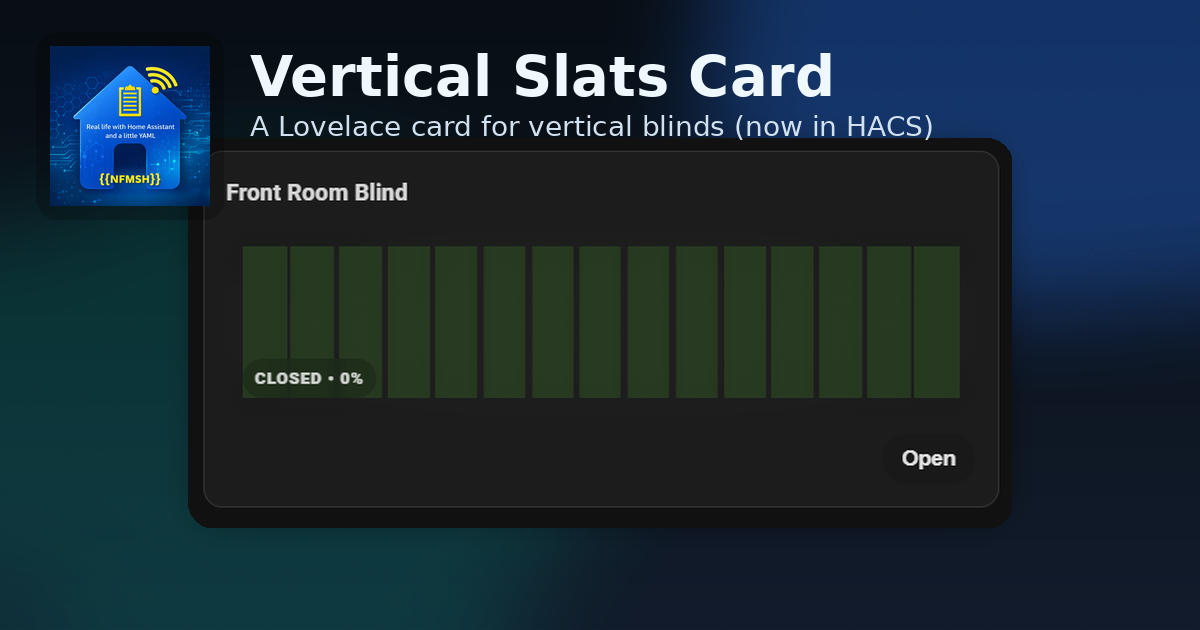
I’ve built a lot of dashboards over the years, and blinds are one of those things that always seem deceptively simple until you try to make them look right.
Rollers? Easy. Curtains? Fine. Venetian? Plenty of options.
But vertical blind slats (that “rotate open/closed” look) always felt like a missing piece, so I made the card I wanted to use: Vertical Slats Card.
It’s now available via HACS 🎉
What it is
Vertical Slats Card is a Lovelace custom card that visualises the “tilt” of vertical blinds using an animated slat row, with a few goals:
- Keep it clean and visual-first
- Avoid dashboards full of glue logic
- Work with real-world devices that don’t behave like perfect 0–100 sliders
What it looks like
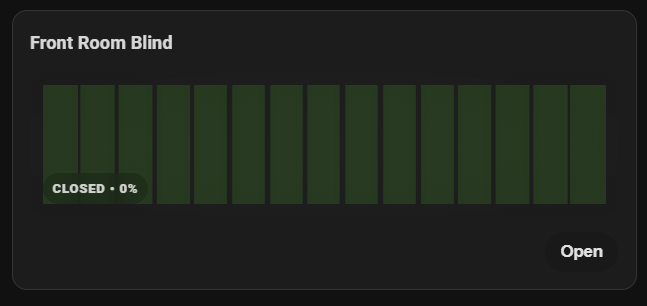
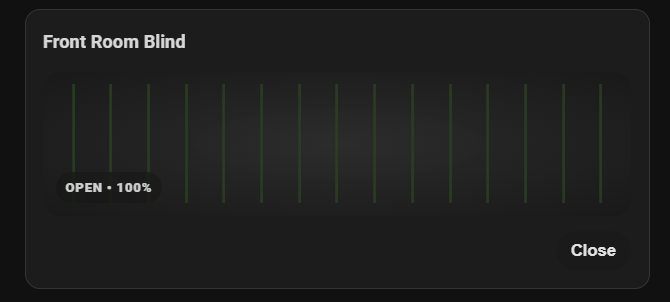
Highlights
- Slats animate open/closed with a subtle fabric-like highlight
- Badge shows state: OPENING / OPEN / CLOSING / CLOSED / OFFLINE
- Optional percentage in the badge
- Auto-hide Open/Close buttons when you’re already at the endpoint
- Offline styling when entities go missing
- Realistic background lighting behind the slats (brighter when open)
No helper entities. No scripts. No automations.
Installation (HACS)
If you’re using HACS:
- HACS → Frontend
- Explore & Download Repositories
- Search: Vertical Slats Card
- Install + restart Home Assistant (if prompted)
Example configuration
1
2
3
4
5
6
7
type: custom:vertical-slats-card
name: Front Room Blind
entity: cover.blind_tilt_6cee
show_percentage: true
auto_hide_buttons: true
slat_color: "#3f4f45"
slat_shine_color: "rgba(255,255,255,0.16)"
Device calibration (SwitchBot users, I see you 👀)
Some devices don’t report a full 0–100 range.
For example, SwitchBot Blind Tilt often tops out at 75 for “fully open”.
Set:
1
2
device_min: 0
device_max: 75
The card will still display that as 100% open visually.
Upgrading from older versions
If you previously used my early helper-based approach, you can delete any now-unused:
input_number.* “visual tilt” helpers
scripts made purely for open/close syncing
automations that kept helpers in step with the cover
Just double-check they aren’t referenced elsewhere first.
What’s next
For now I’m keeping the card focused. If feature requests come in, I’d rather add small quality-of-life improvements than turn it into a settings labyrinth.
If you try it, I’d love to see how you’re using it (and what blinds you’re driving).
Happy automating ✨